

Did You Know?

Gain Insights Before Collection, Drive Down eDiscovery Costs and Risks
Analyze, search, and review data in place before collection to reduce data volumes, risk, time, and cost with Reveal LIVE EDA.
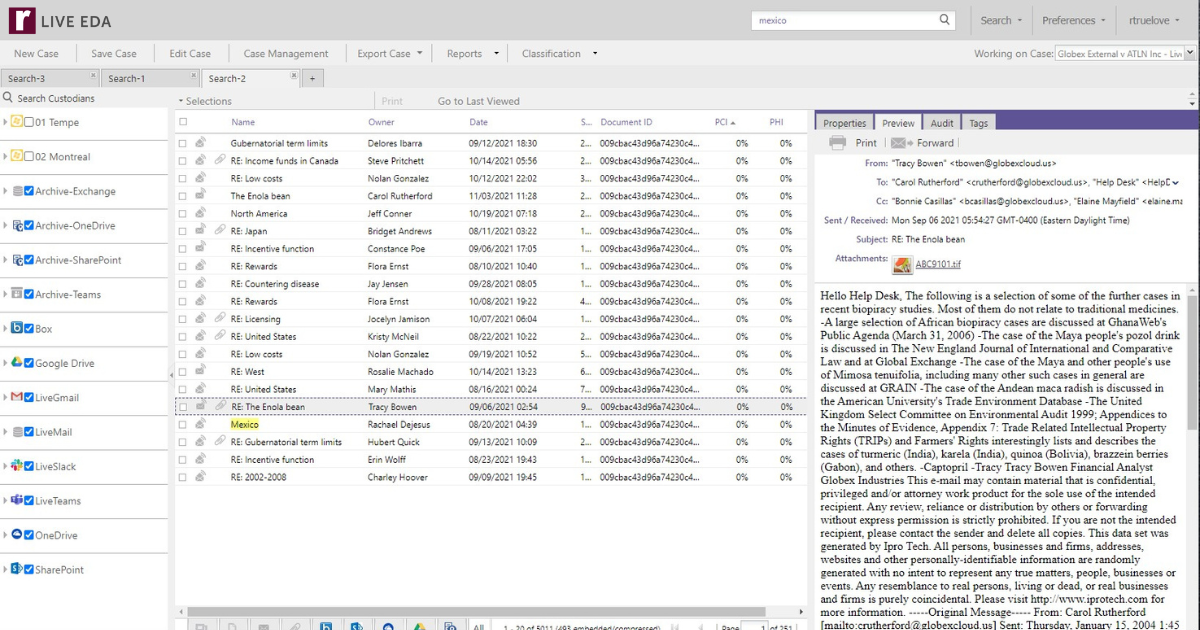
Simplify Your Project, Custodian and Evidence Tracking
Reveal enables quick and easy identification of relevant case information, with full management and tracking capabilities in one dashboard.
.png)
Quickly and Easily Manage Your Holds
Manage legal holds, questionnaires, escalations, reminders, and enforcements in one system that provides discrete communications
.png)
Automated Connectivity to Enterprise Cloud and On-Prem Data Sources
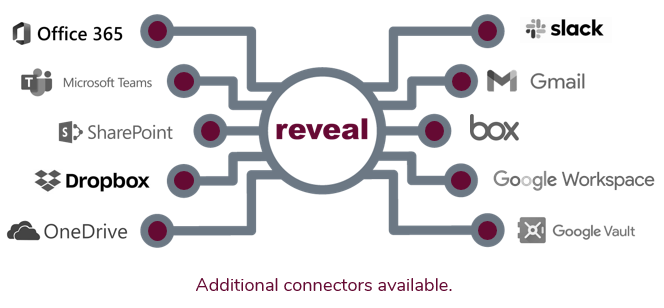
Control All of Your Data Sources
Transform raw data from over 900 file types into meaningful insights faster with scalable processing power.
Our intuitive interface means you can even upload files yourself, and get to work faster.
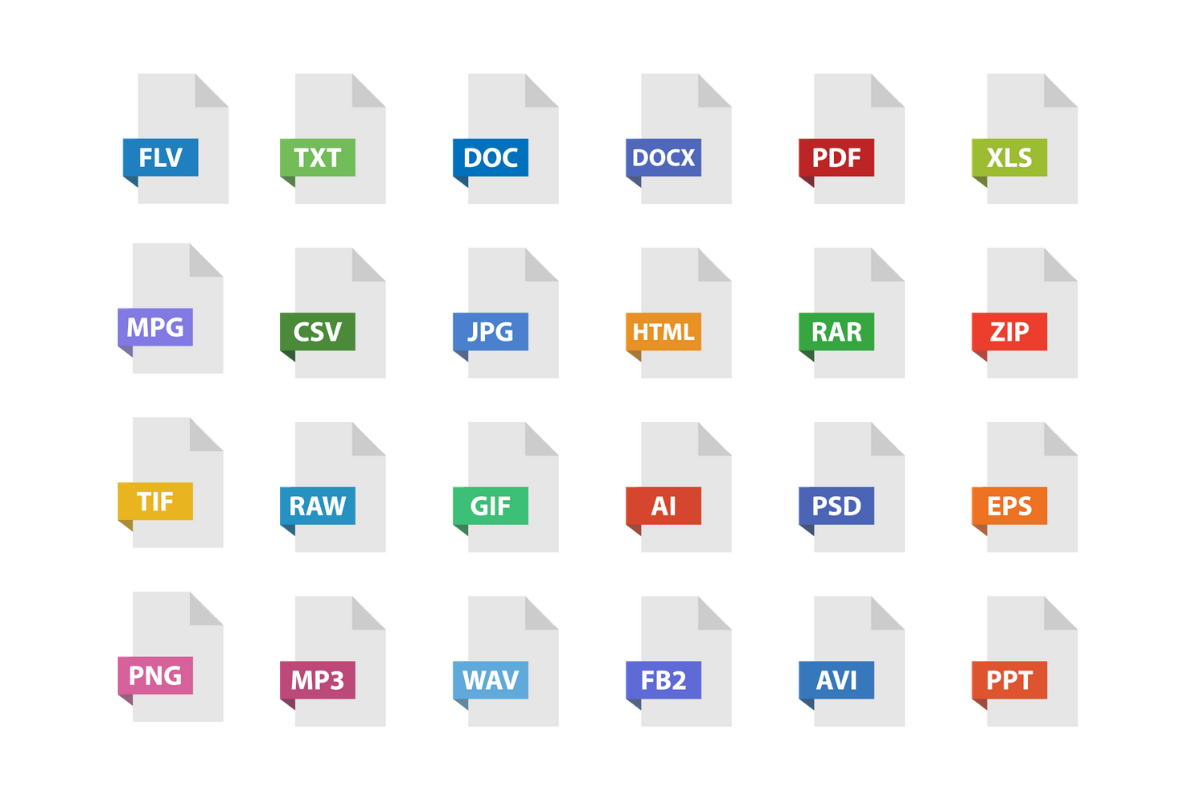
Convert Complex Data Types
Reveal provides powerful AI-powered features that enable you to convert challenging data types into searchable text with a few simple clicks. These features include transcription, translation, and image labeling. It’s just another way that Reveal leads the industry in AI powered technology solutions.
.png)
Interactive Visualizations for Rapid Exploration
Explore your data with precision and speed with Reveal 11’s interactive and interconnected data visualizations.
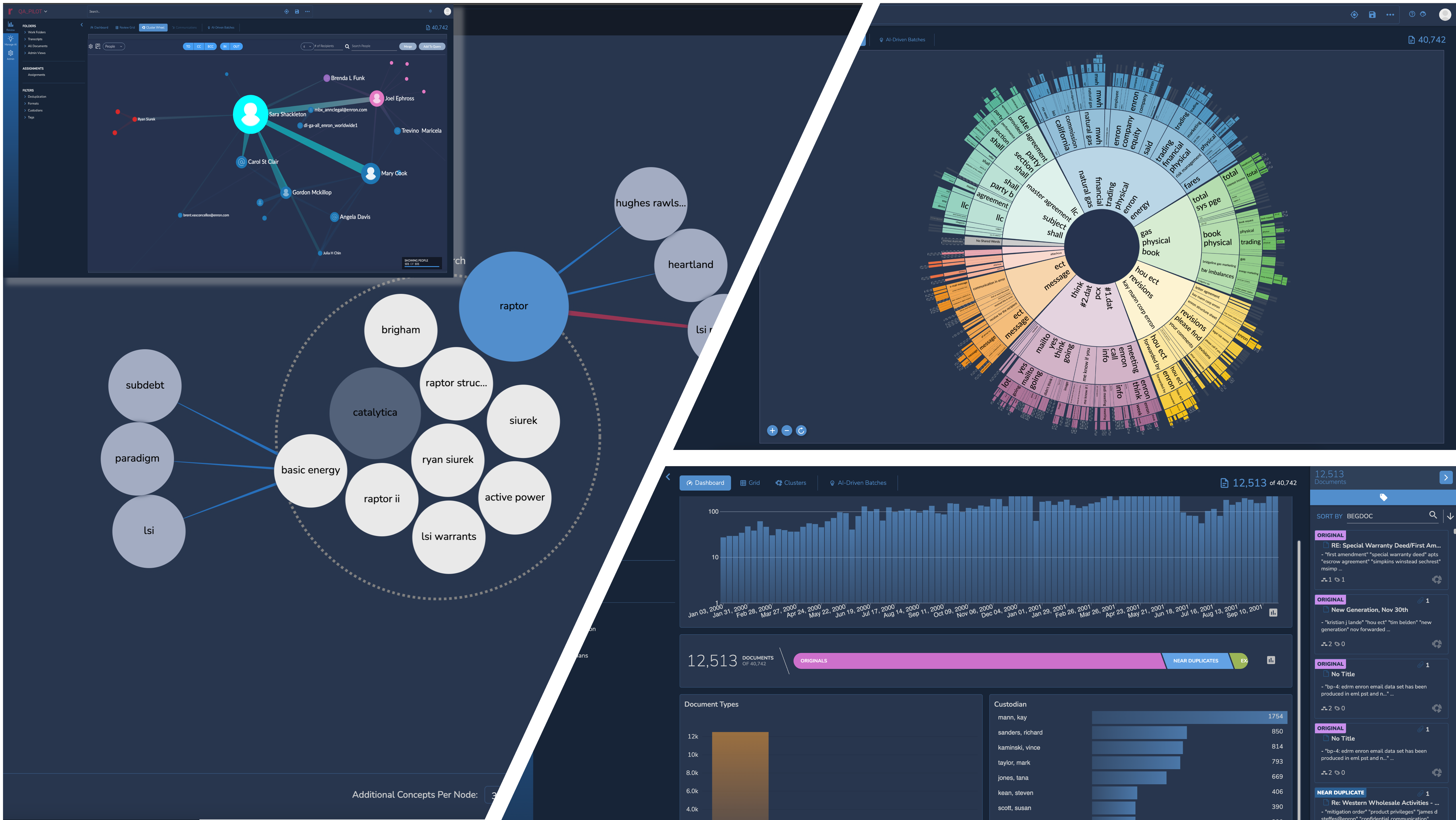
Reduce the noise using Reveal’s Dashboard. Filter out low value content by time, custodian, or file type, and quickly zoom in on potentially relevant data. Evaluate documents with higher predictive scores to find hidden connections between relevant content and other metadata.
Rapidly explore large volumes of data at a zero state to find topics of interest. Easily find key clusters of documents and analyze their context to confirm relevance. Isolate and deprioritize low value clusters for document review.
Simplified Supervised Learning Workflows
Creating a custom AI Model in Reveal 11 is as easy as creating a tag. Build your custom models using AI Driven Batches that intelligently select documents to accelerate the training process. Evaluate the effectiveness of your model after each training round and use interactive simulations to decide how long to train.
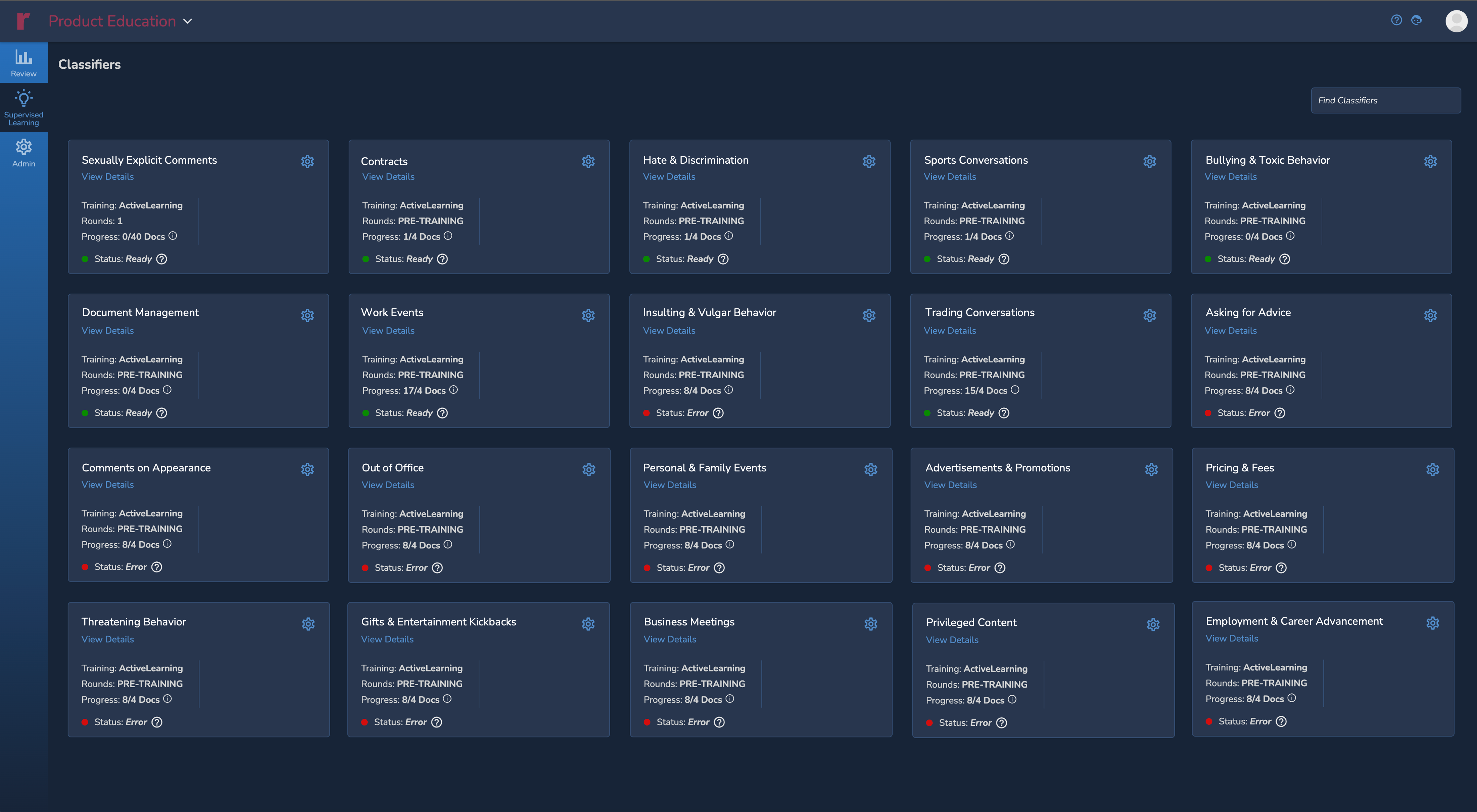
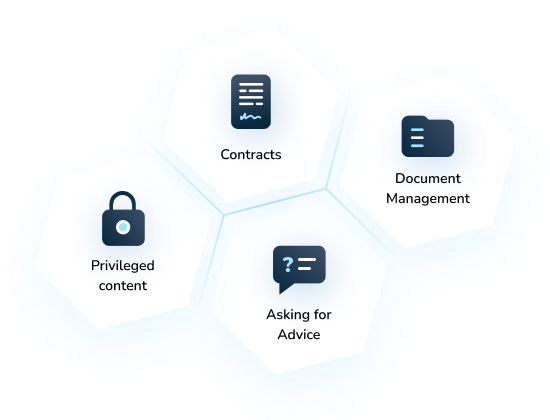
Use 30+ pre-built AI Models from the only AI Model Library in the industry. Apply these models at any time to help jumpstart the identification of relevant content.
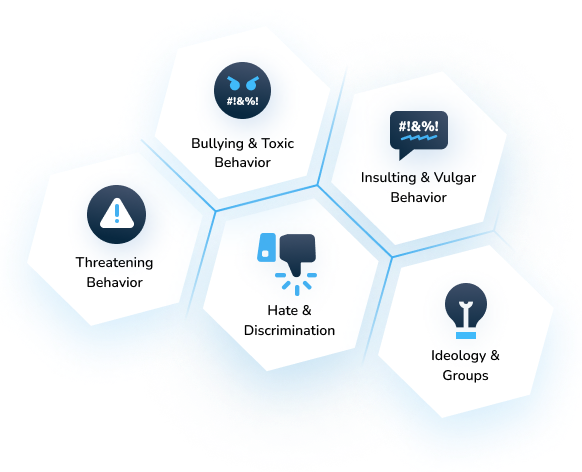
Use Reveal 11’s accurate predictive scores to prioritize document review and to help you categorize documents based on specific human behavior or wrongdoing.
Get More Done with Fewer Clicks
Reveal Review is the most comprehensive document review platform with the flexibility and scale to manage any legal matter regardless of size and scope.
With so many options available to accelerate and prioritize review, you need a review tool that seamlessly provides search, filtering, and document organization features that enable you to efficiently manage the entire process from batching to production.
-2.png)
You'll Be in Total Control
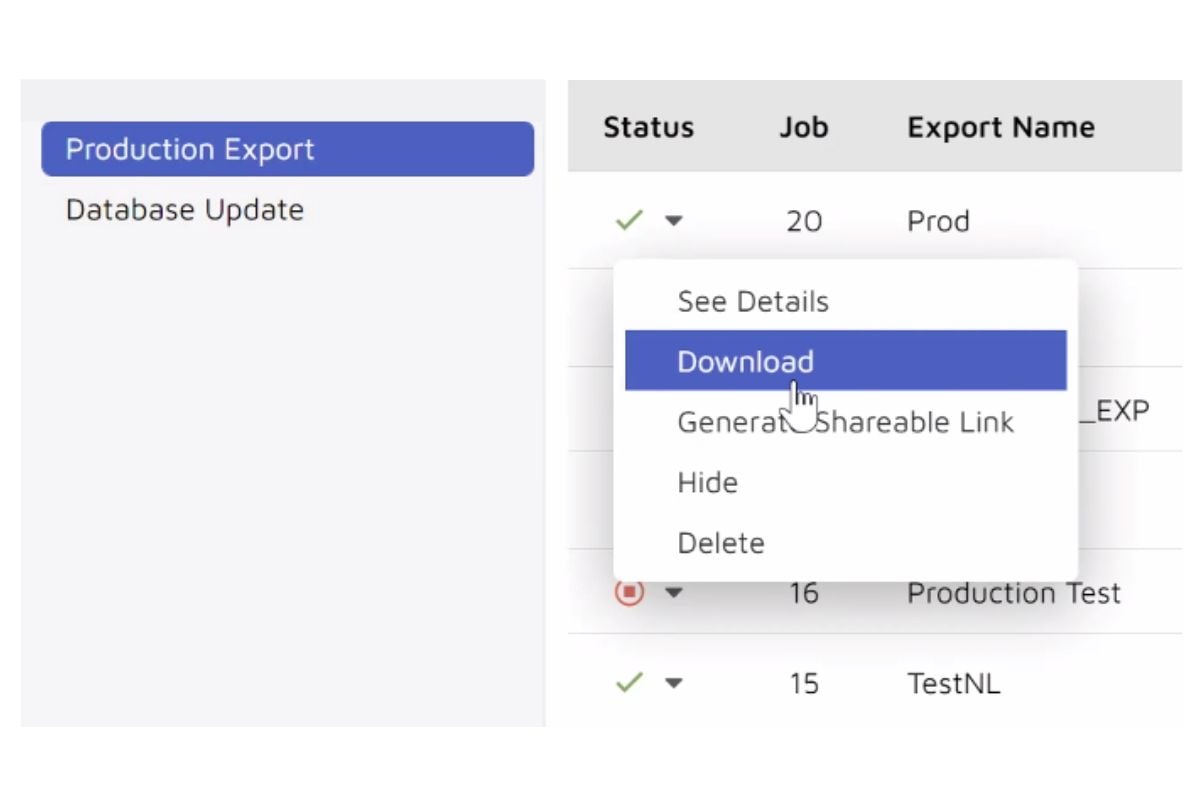
View produced data by other parties or create your own productions within the production module. You are in control of every aspect of the production process with active monitoring that scales resources to meet tight deadlines.
Then easily share your productions within the tool with secure access or provide access to download the production directly.
Trial Presentations That Win Cases
Streamline your pre-trial, trial, mediation, and other litigation related presentations with Trial Director




10 Must Have AI Secret Weapons Lawyers Need Now
In the last 18 months, the legal profession has done an about-face when it comes to artificial...
Read Story
DLA Piper launches Aiscension in collaboration with Reveal
New offering delivers cutting-edge technology from Reveal alongside DLA Piper’s first-class legal...

eDiscovery Leaders Live 2023
2023 has been a busy year for eDiscovery Leaders Live. In 58 episodes, guests from across the...
Read Story

Trustpoint
Trustpoint.One uses Reveal's NexLP AI to uncover nineteen additional hot documents in a matter of days after outside counsel for a Fortune 10 company wasted months identifying only eleven.


Confidential
A client leverages Brainspace technology to expedite an IP theft investigation, saving approximately $1.6M million in review costs.
Read Case Study